Category: Productivity
Developer: Coda Project, Inc.
 Verified App



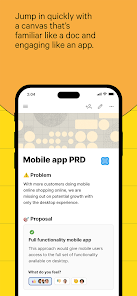
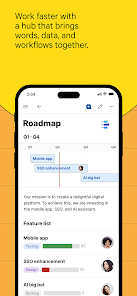
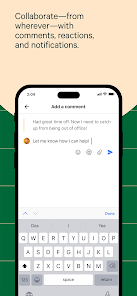
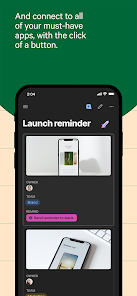
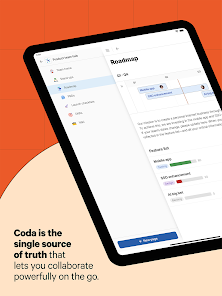
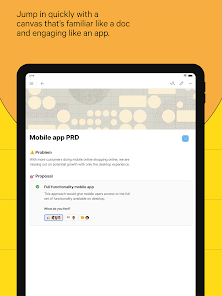
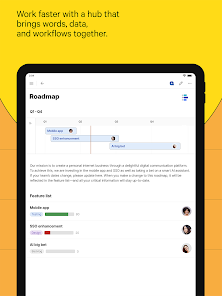
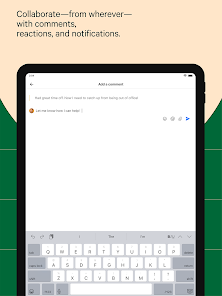
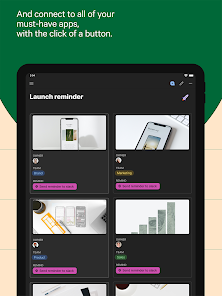

 Coda app combines documents and data Create interactive tables easily Collaborate in real-time with teams Customize templates for your needs Integrate with popular tools seamlessly Automate workflows to save time
 Coda app can be complex to use Limited offline functionality available Performance issues with large docs Steeper learning curve for new users Integrations may be limited
  Google Play
  App Store

I love this app, I use it all the time for things like school work, note taking, even grocery lists. My only issue with Coda is that it is difficult to use on mobile devices. You can still write things, but mobile Coda tends to bug out more on mobile then a laptop or computer. If your looking for something to take notes on your computer with, this should be your go to. Edit: Coda if your reading this, please add the add sub page option on mobile.🙏🙏 Thanks
I was unable to complete the sign-up process on my phone. The system requires clicking a link sent to my email, but clicking it just redirects me back to the same page that asks to resend the link to my email. It seems like something wasn't fully developed on your end. It's a bit hard to trust developers when the problem starts right at the beginning of using the service. Pixel 7
I used Coda a lot to track all my projects, inventory, process, and results. My favorite feature is the table and buttons you can add to convert tables into apps on mobile. However, when actually use it as an app, it's very hard to use because the app only load 30 rows at a time. After you interact with a row, it resets and you have to navigate to later page again. I open have under 1000 rows but interact with rows on different pages all the time. Being able to search or filter would help.
I really like using Coda on desktop. It allows for interesting solutions to problems, and I haven't found anything as functional on PC. Unfortunately this app is a mess. As far as I can tell you can't create tables or do anything beyond creating a page and typing on it. You can't even rearrange pages. The UI is also horrible, some items waste space while others are near impossible to use.
clean interface, clean login (just have to support all browsers not everyone uses chrome) like the aesthetic and the colour scheme, easy to use Cli friendly, it's not bloated and it gets the job done for maximum productivity, tho one must try all the features. [edit]: nvm the ai is good you just have to know what you're prompting, a fast way to edit your tables and stuff, the app is excellent, but I'll leave one star, until i discover it all, Cheers
Review Source: Google Play store public user reviews.
You can reach Coda's customer service through their support page on the website or by emailing support
After signing up, check your email for an activation link and follow the instructions to activate your account.
Visit the Coda website or app, click on "Log In," and enter your email and password.
Coda does not have a specific customer number; support is primarily handled via email and their help center.