Version: 3.14.0
Developer: QuillBot
 Verified App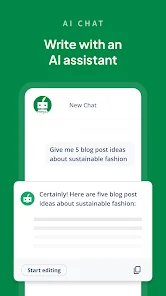
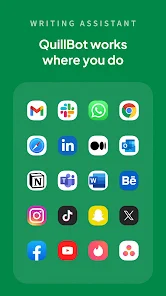
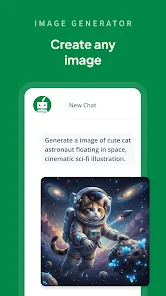
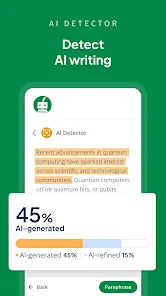
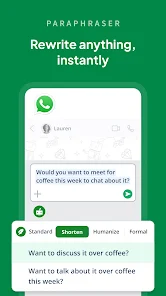
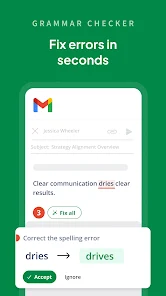
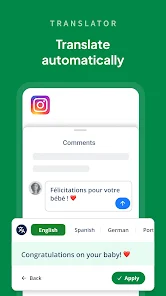

 QuillBot enhances your writing! It offers seamless grammar checks! Paraphrasing made easy and quick! Boosts vocabulary with synonyms! Supports multiple languages for all!
 Limited free features available Occasional inaccuracies in text Dependence on internet access Subscription costs can add up Not suitable for all writing styles
  Google Play
  App Store
 You can reach QuillBot's customer service through their support page on the website or by emailing support
After purchasing a subscription, log in to your account, and your subscription will be activated automatically.
To log in, visit the QuillBot website and click on the "Log In" button, then enter your email and password.
QuillBot does not publicly list a customer number; please use their support page for assistance.