Category: Business
Developer: Bark.com
 Verified App


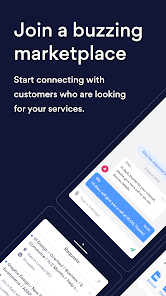
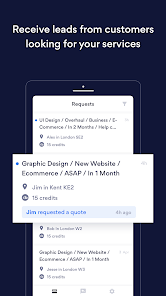
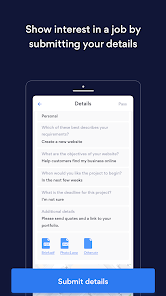
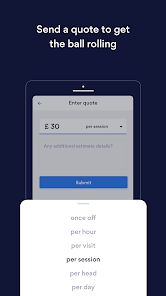
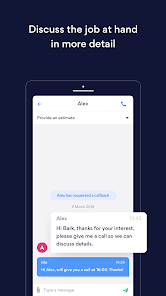
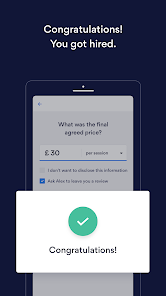
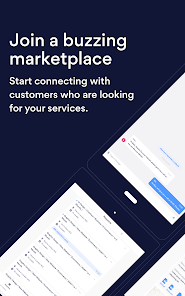
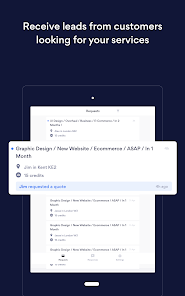
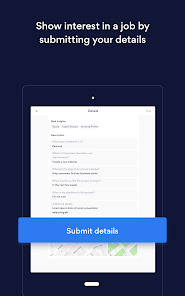
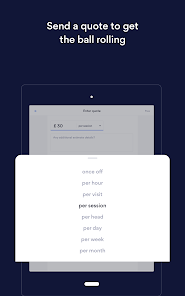
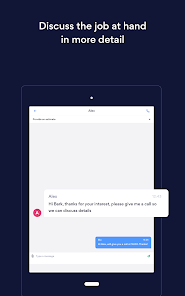
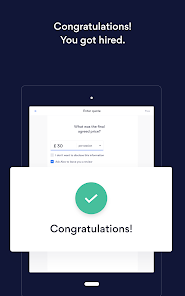
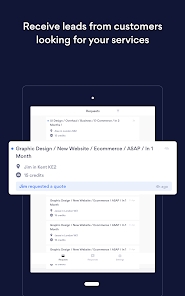
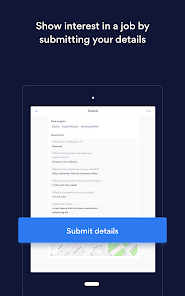
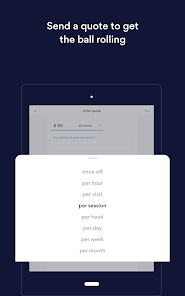
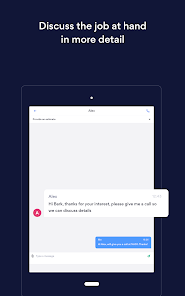
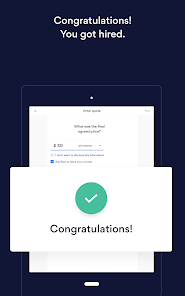

 Bark for Professionals app offers: Instant access to new leads Streamlined client communication Customizable service offerings Real-time notifications and updates User-friendly interface design
 Limited user support options High subscription costs Inconsistent lead quality Complex interface for new users Limited geographical coverage
  Google Play
  App Store

Could be better! They have very basic requirements to inquire about things and thats why they have so many bad leads. Most of the leads i pay for has never responded or answered the phone. I have even had minors place a lead and when i called they just laughed & hung up. And of course i couldn't get my credits back. When it works it's pretty good but i spent $160 for 140 credits and I'm down to 34 with two bookings. And the fact you can't get any refunds is just not right. JUST A BIG WASTE
It could be good. Greed, misinformation, and a touchy app that purchases things without confirmations are all evident. This has the potential to be better than Thumbtack, if they took what they do right, and improved I what they do wrong. With this, you have to pay just to bid, Thumbtack you only pay if they respond. This ends up being 6 or 7 times more expensive. On top of that, it appears unlimited pros can send and contact customers... So they get bombarded with calls, emails and messages. Unlike Thumbtack where there is a limit. And there is no description of the job until you pay. I read a review that ended with this, and it's dead accurate from what I've seen so far: "the only one that wins from this model is Bark"
As a bookkeeper in Colorado Springs, I filled out their online profile, and my inbox and phone were loaded up with potential leads. Cost me $425 for their internal credits to bid on jobs. I bid on several of them, but I never had any type of response. Bark refused to return any credits from their get hired guarantee, except for the job I wasn't qualified to do. My advice is to spend money on Google ads or next-door ads. You might actually get a response from a potential client!
I have been using Bark for a year now. I have to say, after my credits run out, I will not be using their platform. 1st, they have to do better with the clients who are looking for services. I think if client's are serious ( which most of them on there are not), they should have a small charge for reaching out for services. $70 for 5 people whom I can reach out to is absurd. For them to maybe hire me or even contact me back! App is flaky do not use it warning **
I just installed the app to uninstall it 10 minutes later I'm sticking to Thumbtack... why do pros need to spend $128.00USD just to try out the app?! You should let people buy smaller amounts. I was honestly looking for a way to just buy 10 credits, but I can't even access that option until I buy the starter pack. For those of you that don't know, credits are used to engage with potential clients, but you need to buy credits. I don't mind buying credits, but being forced to buy 80 is crazy
Review Source: Google Play store public user reviews.
You can reach customer service through the app's support section or by visiting the Bark website for contact details.
After signing up, check your email for an activation link and follow the instructions to activate your account.
Open the app, enter your registered email and password, then tap 'Log In.'
The customer number can be found in the app under the 'Help' or 'Contact Us' section.