Category: News & Magazines
Developer: Bonneville International
 Verified App


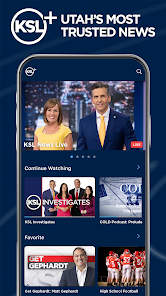
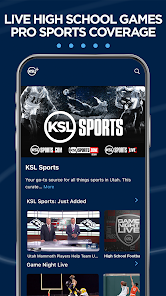
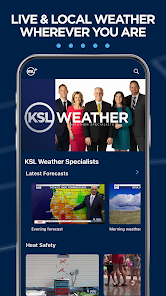
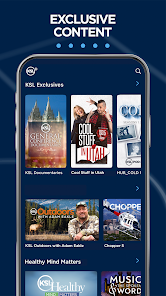
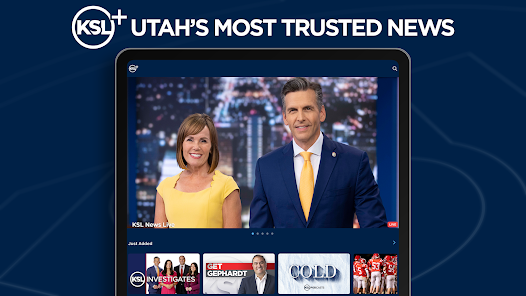
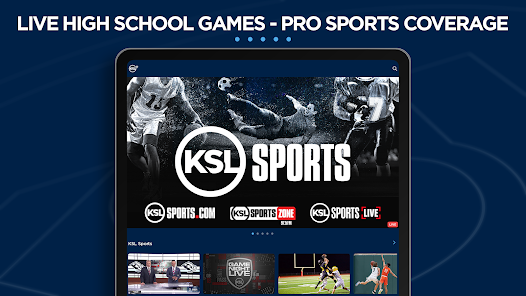
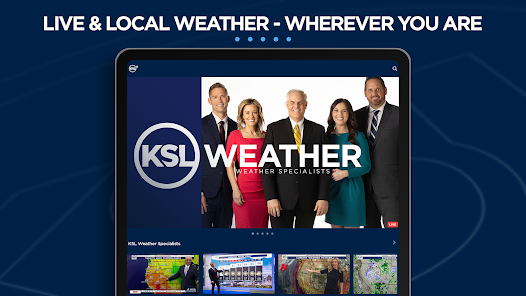
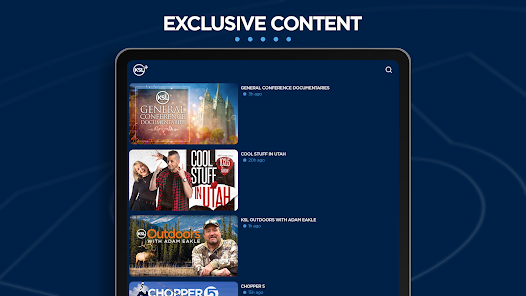
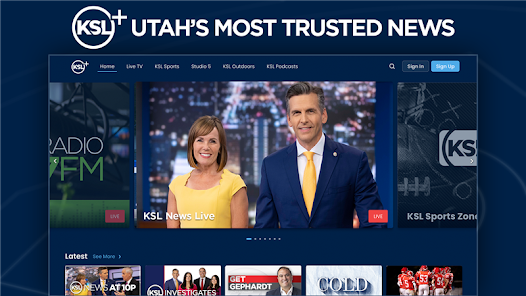
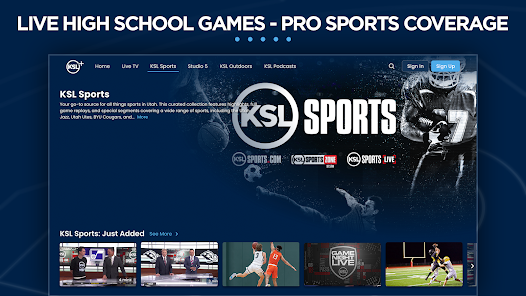
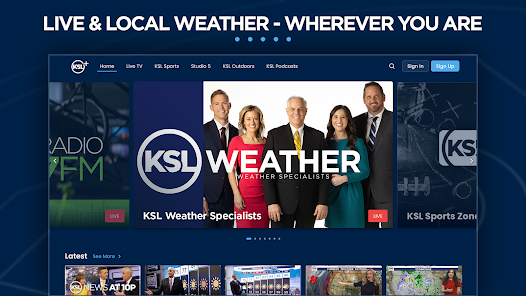

 Experience seamless navigation Access to real-time updates User-friendly interface design Personalized content recommendations Robust security features included
 Limited offline access options User interface can be confusing Occasional bugs and glitches Lack of comprehensive support Higher data usage than expected
  Google Play
  App Store

This app is horrible! Love KSL, but they can do so much better than this. It sends notifications, and you follow the link and can never find the story. It plays as over the stories that you do find, so you're hearing two sets of audio. Nope, I have to delete it. Just can't have those notifications that lead to nothing but frustration!
I use this app to stream RSL games and would usually work pretty good. Now it will kick me out of full screen every couple of minutes which is very annoying. Not sure which update caused it but it needs to be fixed. I noticed the issue when watching the coaches show just the other day so it's not just the games.
STILL problem after problem after problem. Maybe it's time to switch to a different news app. You can watch the 5,6 & 10 pm news that is not live. Time after time it starts at 5:15 instead of 5. The other day it finally started on time. Then it went to commercial before the weather. Showed so many ads, when news came back, it was 3 minutes from ending. Never saw the weather or rest of news. One time the 10 pm news showed the same one for 3 days. Wasn't current or up to date. Do we deserve this?
I hate this stupid app. It will send you notifications of stories that are nowhere to be found when you click on the notification. Why would you send what is presumably a link to a story that isn't actually a link to a story? The only thing this app is actually good for is routinely reminding me to check a different source to learn about the days' COVID stats.
The notifications are horrible. When you are interested in finding the story that pops up, you click on a notification and half the time, the story isn't there. The click never takes you to the story even if it is there. If you just like browsing the news, its ok, but just ok.
Review Source: Google Play store public user reviews.
Can I submit suggestions or feedback to KSL+? Yes, KSL+ encourages user feedback and suggestions through their support page or in-app feedback feature.
You can contact Customer Service through the app's support section or visit the official website for contact details.
To activate, follow the link sent to your email after registration and complete the verification process.
Open the app, enter your registered email and password, then tap 'Log In.'
The customer number can be found in the app under the 'Help' or 'Contact Us' section.
Includes performance improvements and Minor bug fixes.