Version: 26.5.1
Developer: LaFourchette SAS
 Verified App
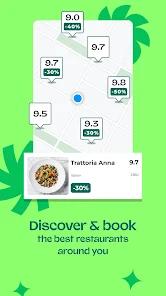
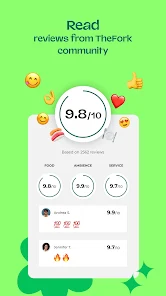

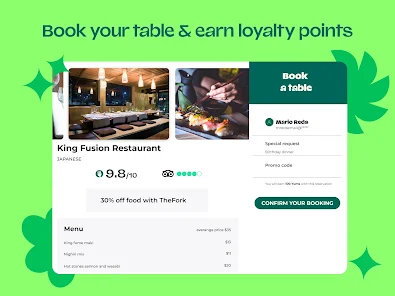
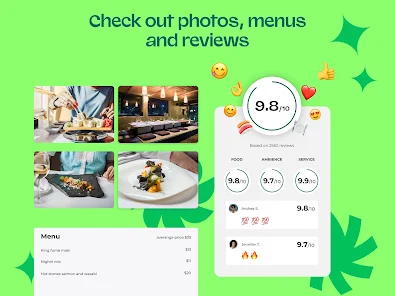
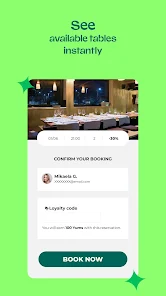
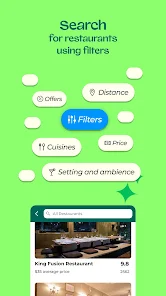
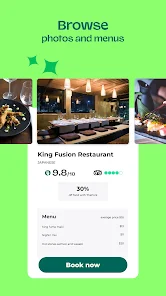
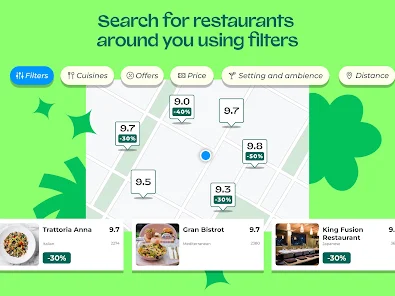
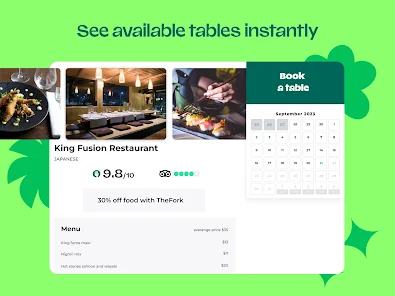
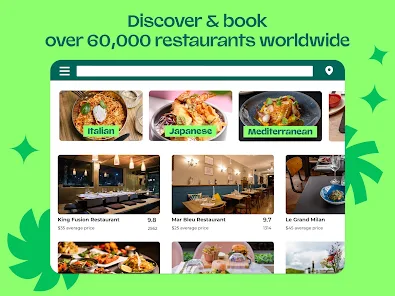
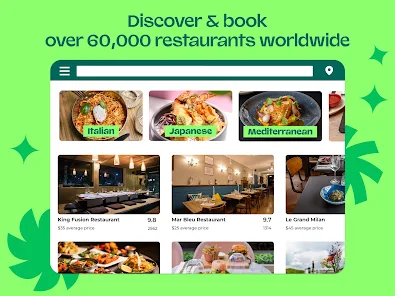
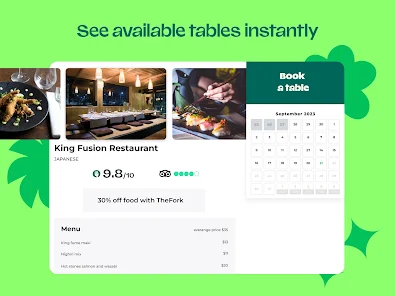
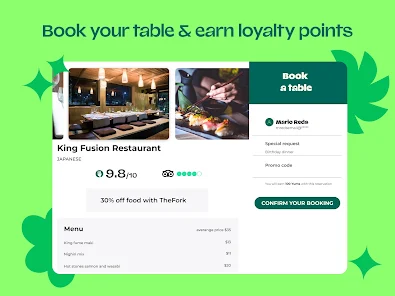

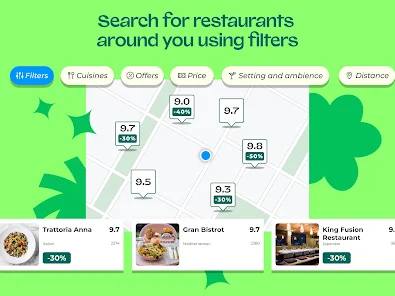
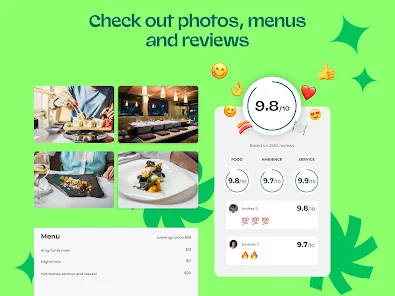


 Discover top restaurants easily Enjoy exclusive discounts and offers Book tables in real-time Access user reviews and ratings Seamless cancellation options available
 Limited restaurant options Inconsistent user reviews High booking fees apply Occasional app glitches Customer service delays
  Google Play
  App Store
 Yes, users can submit feedback through the app or website to help improve the service.
Yes, TheFork collects personal data to manage bookings and improve user experience, adhering to privacy regulations.
TheFork requires an internet connection to make reservations and access restaurant information.
Since TheFork is free, there is no subscription to cancel. Simply stop using the app if desired.
TheFork does not require a subscription fee; it is free for users.
You can contact TheFork customer service through the app or website by accessing the "Help" section and selecting "Contact Us." You can also reach them via email or phone listed there.
After signing up, check your email for an activation link. Click the link to activate your account. If you don’t see it, check your spam folder.
Open the app, tap "Log In," enter your email and password, then tap "Log In" again. If you don’t have an account, you can create one from the same screen.
TheFork does not publicly list a customer service number. Instead, use the in-app support or website contact form for assistance.