Version: 7.0.17
Developer: RxSaver, Inc.
 Verified App
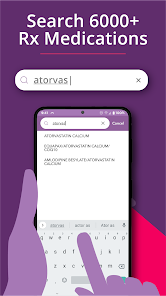
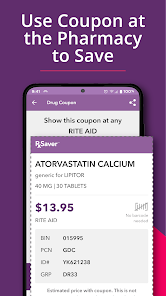
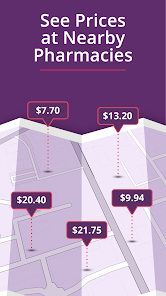
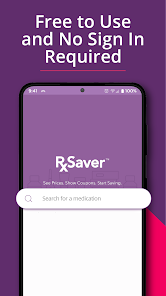
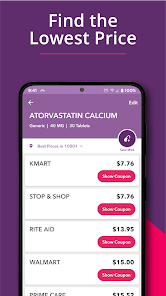
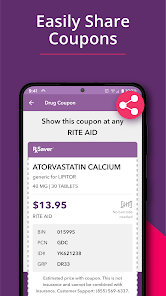


 Save up to 80% on meds Compare prices at pharmacies Access exclusive discounts easily Find coupons for your prescriptions User-friendly interface for all
 Limited pharmacy options available Inconsistent pricing across stores User interface can be confusing Requires internet for full access Not all medications covered
  Google Play
  App Store
 Can I submit suggestions or feedback to RxSaver? Yes, users can submit feedback and suggestions through the app or the website's contact form.
Yes, you can update your personal information in the app by going to the account settings section.
You can contact Customer Service through the app's help section or visit the RxSaver website for support options.
You can provide feedback through the app's feedback section or by contacting customer service via the website.
To delete your account, contact customer service through the app or website for assistance with account deletion.
To log in, open the app and enter your registered email and password. If you forgot your password, use the "Forgot Password" link.