Version: 7.0.5
Developer: JRT Studio Music Players
 Verified App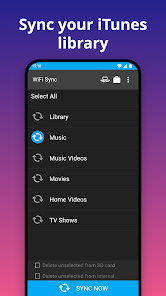

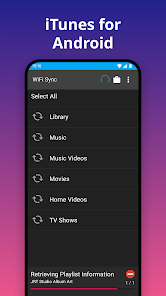
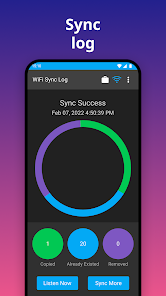
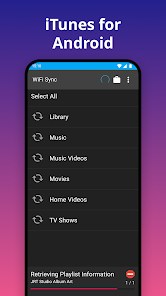
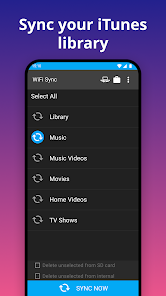

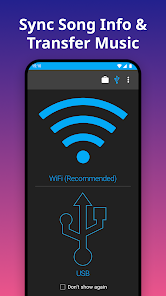
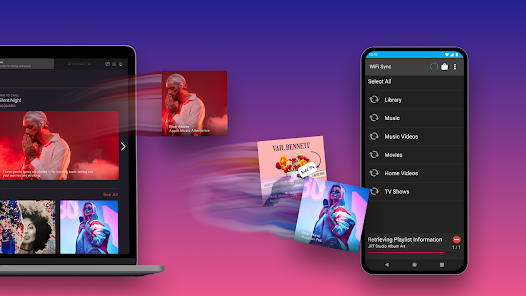
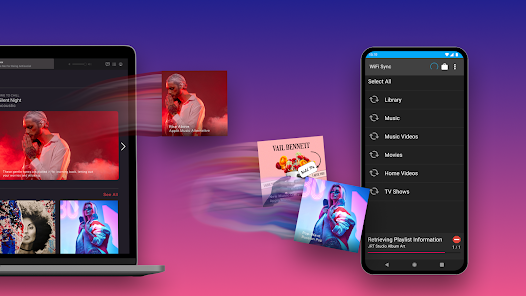
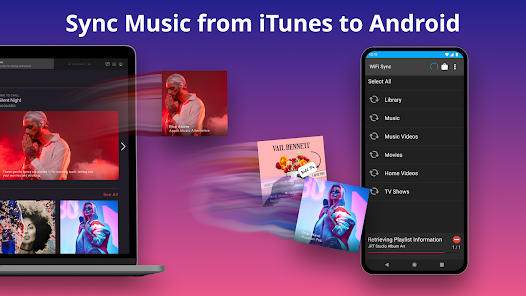
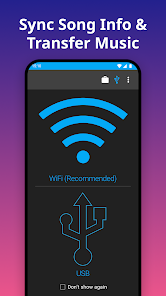

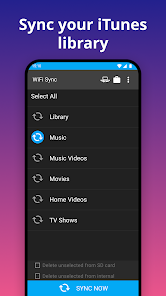
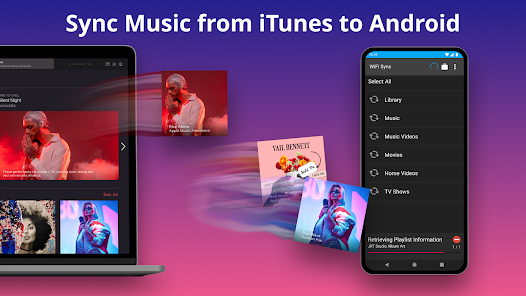
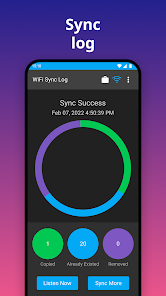
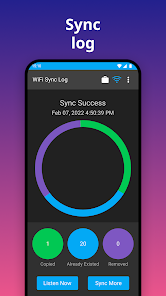
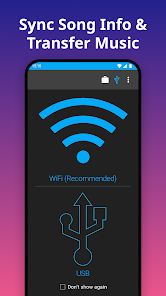

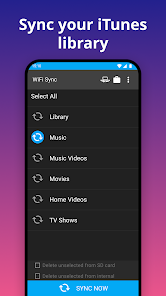
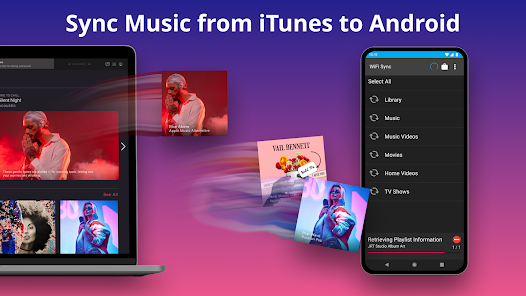
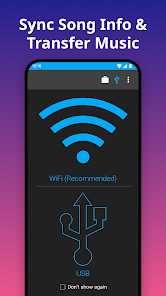
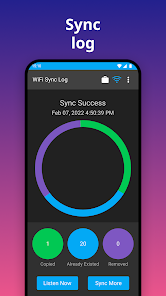
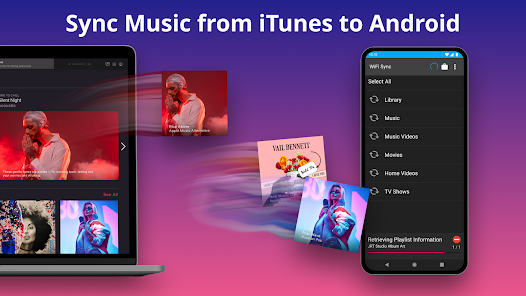
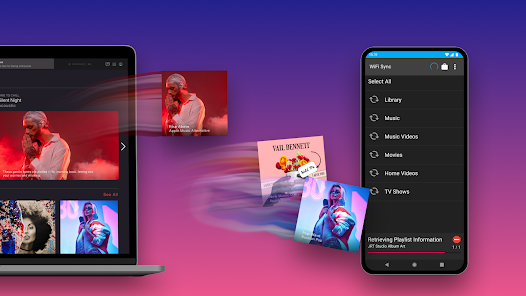
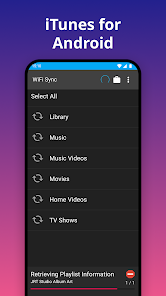

 iSyncr: iTunes to Android app offers seamless music syncing Easily transfer playlists and songs Supports automatic updates for new tracks User-friendly interface for all ages Compatible with various Android devices
 Limited playlist support Syncing can be slow No cloud backup option Occasional connection issues User interface feels outdated
  Google Play
  App Store
 Yes, users can submit feedback through the app's support page or website.
iSyncr does not collect personal data; it focuses on music syncing.
Yes, iSyncr allows you to access your music offline once synced.
Since iSyncr is a one-time purchase, there is no subscription to cancel.
A one-time purchase is required, typically around $10, with no subscription fees.
You can reach iSyncr customer service via their official website or through the support email provided in the app.
iSyncr typically activates automatically upon installation; ensure your devices are connected and follow the on-screen prompts.
iSyncr does not require a login; simply install the app and connect your devices to start using it.
iSyncr does not have a specific customer number; support is primarily handled through email and their website.